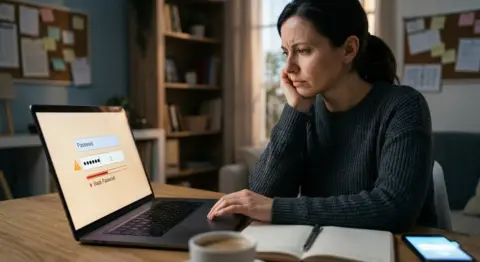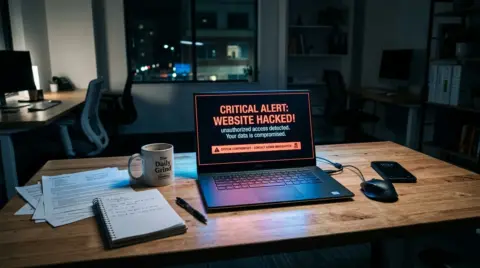


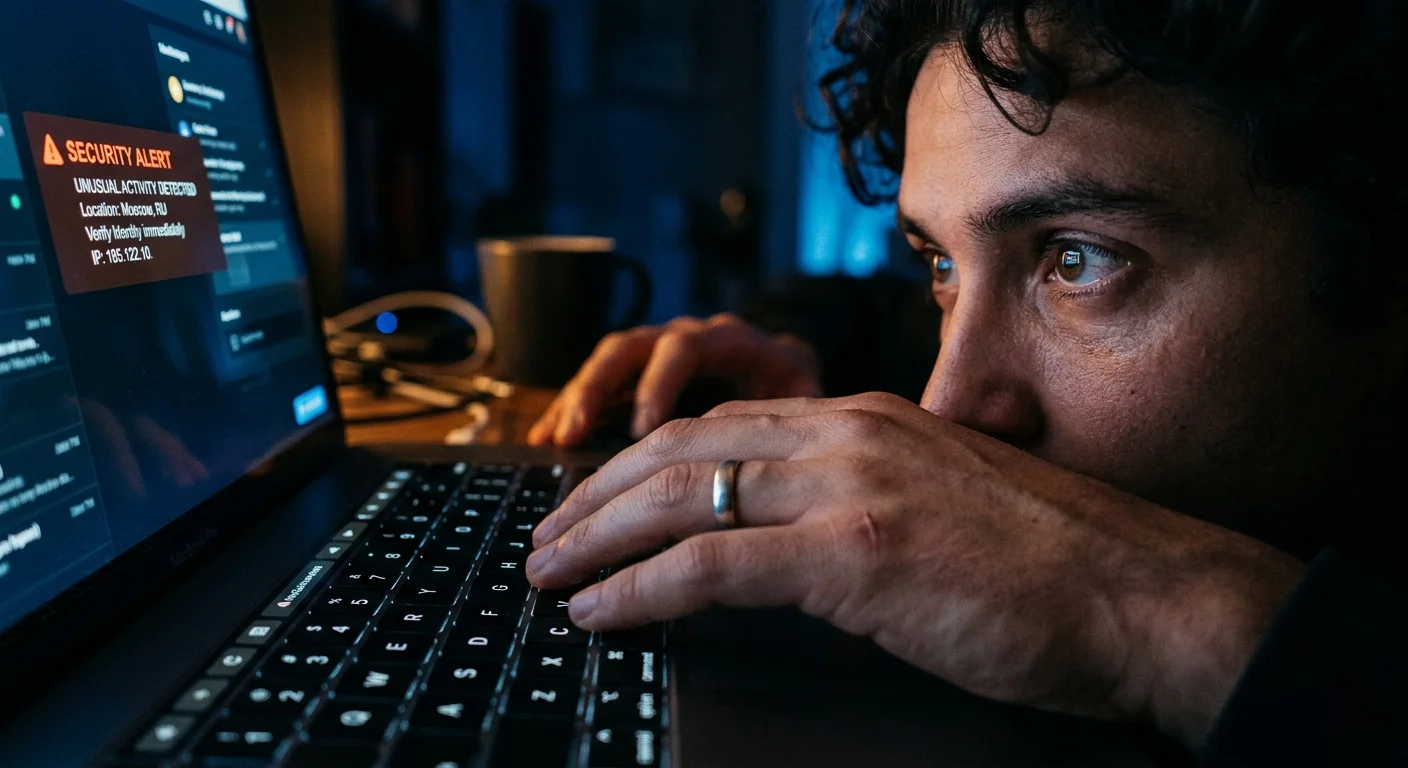
I still remember the exact moment. It was a Tuesday morning. I had just poured my second cup of tea and sat down to check emails before a client call. Then my phone buzzed. A login alert from my Google account. Lagos. I had not been to Lagos in two years.
That notification changed how I think about security forever. Not because I panicked. But because I realized I had been careless in the one place I thought I was safe.
Here is the thing people do not understand about being hacked. It does not always feel like a dramatic movie scene where someone is typing furiously in a dark room. Most of the time it is quiet. Invisible. Someone gets in through a small door you forgot to lock and they just sit there. Watching. Sometimes for weeks before you notice anything wrong.
I had been in IT for over eight years at that point. I had helped companies secure their networks. I had run security audits for clients. And yet here I was, staring at a login notification from a city I had no connection to, realizing that all my professional knowledge had not protected my personal accounts.
How it actually happened
After I locked down the account and started investigating, I traced it back to a data breach from a smaller website I had used years earlier. One of those random forums where you sign up, read a few posts and forget the account exists. My email and password from that site had been dumped in a breach. The problem was I had reused that password on other accounts. That was the door they walked through.
Password reuse is genuinely one of the most dangerous habits in digital security and most people do it because they cannot remember ten different strong passwords. I understood this intellectually. I had told clients this exact thing. But somewhere along the way I had made an exception for what I thought were low-risk accounts. That exception is what cost me.
The core lesson
No account is truly low-risk. A forgotten forum login from 2014 can be the key that unlocks your email in 2026 if you ever reused that password anywhere important.
What made it worse was the timing. Once they had access to my email they were one password reset away from almost everything else. That is how these things chain together. One weak link and the attacker can move laterally through your entire digital life without ever needing to do anything sophisticated.
The first thing I did wrong
My first instinct was to change the compromised password and move on. I was embarrassed more than anything. I thought I had fixed it. But I had only addressed the surface problem. I had not checked whether any other accounts used the same or similar password. I had not reviewed my email filters to see if someone had set up a rule to forward my messages silently. I had not checked for connected apps that might still have access even after the password change.
It took me another week to do a proper audit and when I did I found three things that made my stomach drop. There was a forwarding rule on my email that I had never set up. One old connected app from a service I had deleted years ago still had permission to read my emails. And a secondary recovery phone number had been added that was not mine. The attacker had done their housework carefully.
This is what people miss. When your account is compromised the goal is not just to regain access. The goal is to understand exactly what the attacker did while they were inside and then close every door they opened, not just the one you know about.
What I changed immediately after
The first thing I did was get a password manager. I had resisted this for a long time because I did not fully trust putting all my passwords in one place. But the alternative, reusing passwords or writing them somewhere insecure, is far more dangerous. I chose one that uses end-to-end encryption so that even the password manager company cannot see my data. Now every account has a long unique random password and I do not have to remember any of them.
The second thing was enabling two-factor authentication on every account that mattered. Not the SMS kind either. I had used SMS-based two-factor for years thinking it was solid protection. It is better than nothing but SIM swapping attacks make it less reliable than most people think. I switched to an authenticator app for critical accounts. Email, banking, work tools. The kind of accounts where a breach would cause real damage.
A note on two-factor auth
SMS codes are better than no second factor at all. But if you can use an authenticator app instead, do it. It removes the phone number from the equation entirely and makes your account significantly harder to get into.
I also set up a separate email address specifically for account recovery. Not my main email. Not a work address. A completely separate account used only for password resets and security alerts. This way even if my main email is ever compromised again an attacker cannot use it to reset passwords across my other services.
The part nobody talks about
Something uncomfortable happens when you work in IT and something like this happens to you. You question your own competence. I spent the first few days after this incident wondering whether I had any right to advise other people on security when I had made such a basic mistake myself. It took me a while to work through that feeling honestly.
But I think that experience made me a better security professional. Not because I learned something technically new but because I understood something human. Security is not just about knowing the right tools. It is about building habits that survive your own laziness and distraction. Everyone gets tired. Everyone cuts corners sometimes. A good security setup needs to hold even when you are not paying full attention, which is most of the time in real life.
The people who never get hacked are not smarter or more careful than everyone else every single day. They have just built systems that do the careful part for them automatically. The password manager does not forget to use a unique password. The authenticator app does not skip two-factor authentication because it is inconvenient. The recovery email address does not get lazy and reuse credentials. The systems carry the load so your human brain does not have to.
What I would tell you right now
If you have not done this already, go to haveibeenpwned.com and enter your email address. It will tell you whether your credentials have appeared in any known data breaches. It is free and it takes thirty seconds. Many people I have shown this to have been genuinely shocked by what they find. Old accounts they forgot about. Services that had breaches years ago they never heard of. Your email and password may have been sitting in a list somewhere for a long time without your knowledge.
After that, the most valuable hour you can spend on your personal security is auditing the connected apps and permissions on your main email account. Go into your account settings and look at what third-party applications have access. You will almost certainly find old apps from services you no longer use. Remove them. Every connected app that still has access to your email is a potential entry point if that service is ever breached.
Also review the recovery options on your most critical accounts. Phone numbers change. Email addresses change. People set up recovery options years ago and never update them. Make sure the recovery phone and email on your accounts are still ones you control and that they are secure.
Getting hacked was humbling. It was also the most useful thing that has happened to my understanding of practical security in years. Everything I had been teaching clients in the abstract became very concrete very fast when it was my own data at risk. I would not wish it on anyone but I am genuinely glad it happened to me rather than sitting comfortably confident while the gaps in my own setup went unexamined.
If there is one thing I want you to take from this it is that being careful is not enough. Build systems. Use a password manager. Turn on real two-factor authentication. Check what has access to your accounts. Do it this week and then you do not have to think about it again for a while. That is the version of security that actually holds up in real life.