

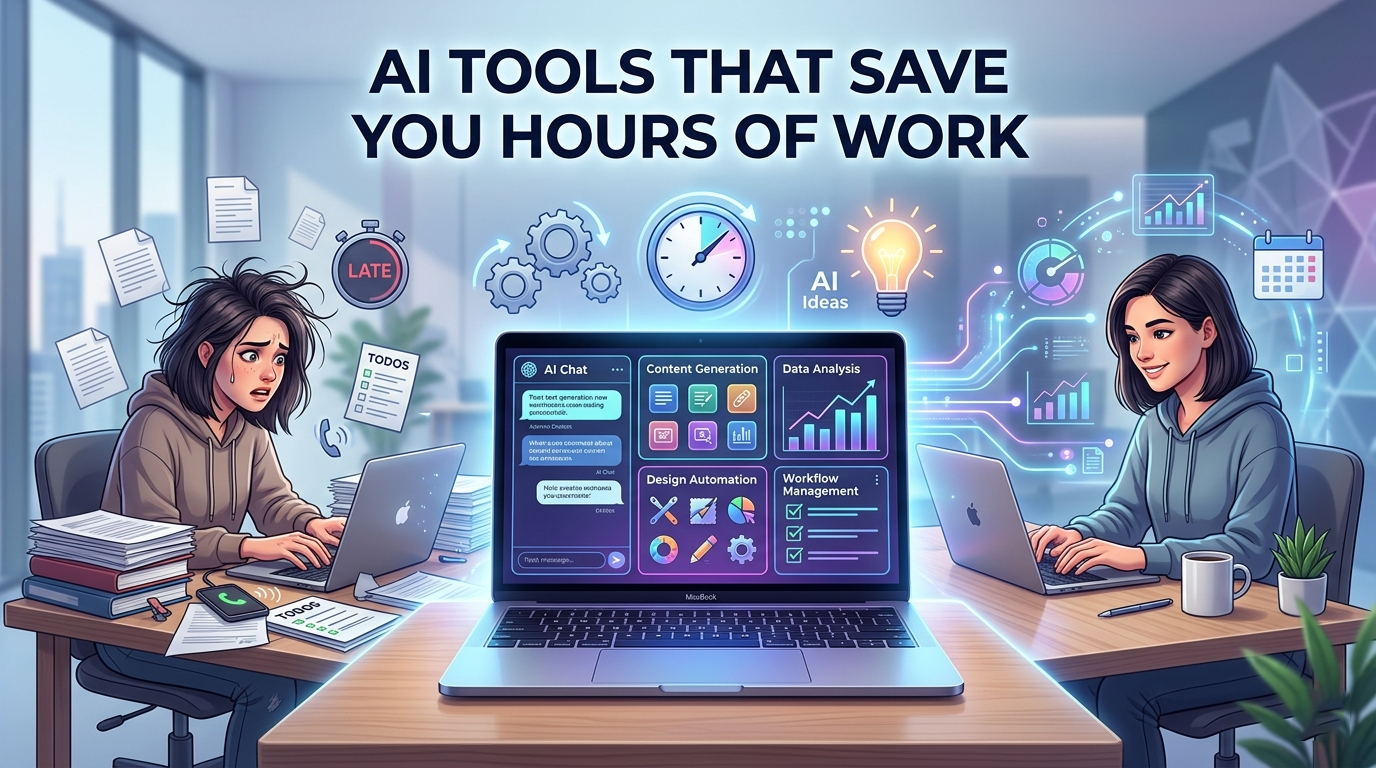

If you’re like me, juggling multiple tasks as a digital creator, website developer, and online entrepreneur, you already know one thing: time is your most valuable asset.
Table Of Content
- Why AI Tools Are a Game Changer
- 1. AI Writing Tools (Content Creation Made Easy)
- How I Use AI for Writing
- Practical Example
- Helpful Tips
- 2. AI Design Tools (No Design Skills Needed)
- My Experience
- What AI Helps With
- Practical Example
- Tips
- 3. AI Tools for SEO and Keyword Research
- Why This Matters
- How AI Helps Me
- Practical Example
- Tips
- 4. AI for Social Media Content
- The Problem
- My Workflow Now
- Practical Example
- Tips
- 5. AI for Email Writing and Communication
- My Experience
- How AI Helps
- Practical Example
- Tips
- 6. AI Website Development Tools
- My Background
- What AI Does for Me
- Practical Example
- Tips
- 7. AI Tools for Video Creation
- Why This Is Important
- How AI Helps
- Practical Example
- Tips
- 8. AI for Productivity and Task Automation
- The Real Benefit
- What I Automate
- Practical Example
- Tips
- Common Mistakes to Avoid
- 1. Relying Too Much on AI
- 2. Copy-Pasting Without Editing
- 3. Using Too Many Tools at Once
- 4. Ignoring Quality
- My Personal AI Workflow (Simple and Effective)
- Conclusion
- Final Advice
There was a time when I used to spend hours writing content, designing graphics, responding to emails, and managing my website manually. It was exhausting—and honestly, not scalable. I felt busy all the time, but not always productive.
Everything changed when I started using AI tools the right way.
Now, instead of working longer hours, I work smarter. Tasks that used to take me 3–5 hours now take less than 30 minutes. And the best part? I can focus more on strategy, creativity, and growing my business.
In this article, I’ll walk you through the AI tools that have genuinely saved me hours of work, how I use them in real life, and how you can start using them too—even if you’re a beginner.
Why AI Tools Are a Game Changer
Before we jump into specific tools, let’s understand why AI matters so much today.
AI is not here to replace you—it’s here to assist you.
Think of it like a smart assistant that can:
- Write drafts for you
- Generate ideas instantly
- Automate repetitive tasks
- Analyze data faster than you ever could
When used properly, AI helps you:
- Work faster
- Reduce burnout
- Increase output
- Stay consistent
From my experience, the biggest mistake people make is either ignoring AI completely or trying to use it without a clear workflow.
Let’s fix that.
1. AI Writing Tools (Content Creation Made Easy)
How I Use AI for Writing
As someone who runs a blog and creates content regularly, writing used to take up most of my time.
Now, AI helps me:
- Generate blog outlines
- Write first drafts
- Improve grammar and clarity
- Rewrite content in different tones
Instead of staring at a blank page, I start with momentum.
Practical Example
Let’s say I want to write a blog post (just like this one).
Instead of starting from zero, I:
- Ask AI for an outline
- Expand each section
- Edit and personalize it
This reduces my writing time by more than 60%.
Helpful Tips
- Always edit AI content—don’t copy and paste blindly
- Add your personal experience to make it unique
- Use AI for structure, not just content
2. AI Design Tools (No Design Skills Needed)
My Experience
I’m not a professional designer, but I still need:
- Thumbnails
- Social media posts
- Website graphics
Before AI, this took a lot of time (and frustration).
Now, I can create clean designs in minutes.
What AI Helps With
- Generating design ideas
- Creating layouts automatically
- Removing backgrounds
- Suggesting color combinations
Practical Example
When creating a YouTube thumbnail:
- I describe the idea
- AI suggests layouts or visuals
- I refine and adjust
This is especially useful for high CTR thumbnails where speed matters.
Tips
- Keep designs simple and bold
- Focus on contrast and readability
- Use AI as a starting point, not the final product
3. AI Tools for SEO and Keyword Research
Why This Matters
If you’re running a blog like mine, SEO is everything.
Without it, your content won’t get traffic—no matter how good it is.
How AI Helps Me
AI tools help me:
- Find keyword ideas
- Analyze competition
- Optimize content
- Generate SEO-friendly titles
Practical Example
Before writing a blog post, I:
- Ask AI for keyword suggestions
- Pick low-competition keywords
- Structure content around them
This ensures my content is not just good—but discoverable.
Tips
- Focus on long-tail keywords
- Don’t overstuff keywords
- Write for humans first, SEO second
4. AI for Social Media Content
The Problem
Social media can eat up your time if you’re not careful.
Posting daily, coming up with captions, replying to comments—it’s a lot.
My Workflow Now
AI helps me:
- Generate captions
- Create post ideas
- Plan content calendars
- Rewrite posts for different platforms
Practical Example
Instead of thinking daily about what to post:
- I generate 30 days of content ideas in one sitting
- Schedule everything in advance
This alone saves me several hours every week.
Tips
- Batch your content creation
- Stay consistent, not perfect
- Customize posts for each platform
5. AI for Email Writing and Communication
My Experience
Emails used to slow me down a lot.
Whether it’s:
- Client communication
- Business proposals
- Customer support
Writing each email manually takes time.
How AI Helps
Now I:
- Generate email drafts instantly
- Adjust tone (professional, friendly, persuasive)
- Reply faster
Practical Example
Instead of spending 10 minutes per email:
- I generate a draft in seconds
- Edit it slightly
- Send
Multiply that across 20 emails a day—that’s a huge time saver.
Tips
- Always review before sending
- Keep emails clear and short
- Avoid sounding too robotic
6. AI Website Development Tools
My Background
As a website developer, I’ve built multiple websites—and I know how time-consuming it can be.
What AI Does for Me
AI helps with:
- Writing code snippets
- Fixing bugs
- Generating layout ideas
- Creating landing page copy
Practical Example
When building a landing page:
- I generate copy using AI
- Use AI to suggest layout structure
- Adjust based on my needs
This speeds up development massively.
Tips
- Don’t rely 100% on AI for code
- Test everything before deploying
- Use AI as a helper, not a replacement
7. AI Tools for Video Creation
Why This Is Important
Video content is powerful—but editing takes time.
How AI Helps
AI tools can:
- Generate scripts
- Create subtitles automatically
- Edit videos faster
- Suggest cuts and transitions
Practical Example
For YouTube Shorts:
- I generate script ideas
- Create thumbnails using AI
- Add captions automatically
This allows me to produce more content in less time.
Tips
- Keep videos short and engaging
- Focus on the first 3 seconds
- Use AI to speed up editing, not creativity
8. AI for Productivity and Task Automation
The Real Benefit
This is where AI becomes truly powerful.
It’s not just about creating content—it’s about saving time across your entire workflow.
What I Automate
- Repetitive tasks
- Data entry
- Scheduling
- Basic customer responses
Practical Example
Instead of manually tracking tasks:
- I use AI tools to organize workflows
- Automate reminders and scheduling
This keeps me focused on high-value work.
Tips
- Identify repetitive tasks first
- Automate small things before big ones
- Keep systems simple
Common Mistakes to Avoid
Even though AI is powerful, I’ve made mistakes along the way. Here are some you should avoid:
1. Relying Too Much on AI
AI should assist you—not replace your thinking.
Always add your voice and experience.
2. Copy-Pasting Without Editing
This is one of the biggest mistakes.
AI content needs:
- Human touch
- Personal examples
- Adjustments for clarity
3. Using Too Many Tools at Once
At one point, I tried using 10+ AI tools.
It was overwhelming.
Now I stick to a few that actually work for me.
4. Ignoring Quality
Just because AI is fast doesn’t mean you should rush.
Always focus on value.
My Personal AI Workflow (Simple and Effective)
Here’s a simple version of how I use AI daily:
- Planning
- Generate ideas and outlines
- Creation
- Write content drafts
- Design visuals
- Optimization
- Improve SEO
- Edit and refine
- Publishing
- Schedule posts
- Share on social media
This system helps me stay consistent without burning out.
Conclusion
AI tools have completely changed how I work—and honestly, I can’t imagine going back.
They’ve helped me:
- Save hours every day
- Increase productivity
- Stay consistent with content
- Focus on growing my business
But here’s the truth:
AI is only as powerful as how you use it.
If you use it wisely, it becomes your biggest advantage.
If you rely on it blindly, it can hurt your quality.
Final Advice
Start small.
Pick 2–3 AI tools and learn how to use them properly.
Focus on saving time on repetitive tasks first.
Then gradually expand your workflow.
Most importantly—don’t lose your personal touch.
Because at the end of the day, people connect with you, not the tools you use.