

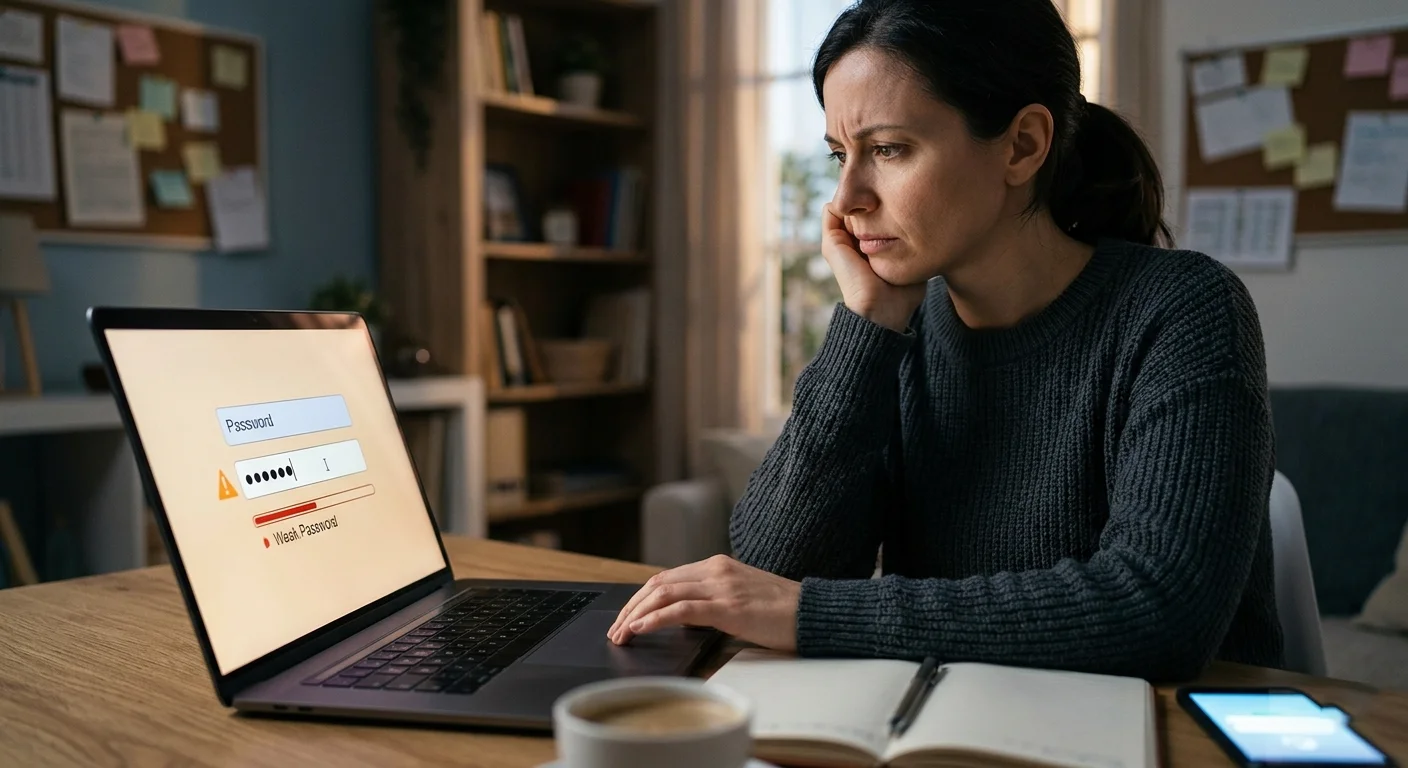
In an age where digital security is paramount, many individuals believe their passwords are robust enough to keep their personal information safe. However, the reality is that the passwords we create often fall short of true security, largely due to common misconceptions and outdated practices. This article delves into the reasons why your password might not be as strong as you think, highlighting the critical elements of password strength, the importance of multi-factor authentication, and the rising threats from data breaches and phishing attacks. By understanding these factors and adopting effective strategies for password creation and management, you can significantly enhance your online security and protect your sensitive information.
Understanding Password Strength: Common Misconceptions
Why Length Matters More Than Complexity
When it comes to password strength, length is the heavyweight champion of the world, knocking out complexity every time. A long password is exponentially harder to crack than a short, complex one. If your password is made up of 12 or more random characters—bourbon, coffee, and train schedules—then you’re already way ahead of the game. So, unless you want your password to be an elegant soufflé that collapses at the slightest touch, aim for longer, not just fancier.
The Myth of Special Characters
Oh, special characters! Those little symbols we sprinkle on our passwords like confetti at a parade. While they can add a dash of complexity, relying on them alone is like putting a fancy hat on a not-so-great outfit. Hackers often use algorithms that can quickly cycle through combinations of letters, numbers, and special characters, so just adding a @ or # won’t shield your password from the digital wolves.
Overconfidence in Password Security
Ever felt that warm, fuzzy feeling because you finally created the ‘ultimate password’? Spoiler alert: it’s not as secure as you think. Many of us have fallen into the trap of overconfidence, believing a slight upgrade or a few tweaks make us invincible. Remember, the biggest blind spot in password security is thinking our passwords are stronger than they actually are. Spoiler: they’ve got weaknesses, just like that “protection” from your childhood blanket.
The Anatomy of a Weak Password
Common Patterns and Predictable Choices
If your password is “123456” or “password,” congratulations! You’ve just won the prize for the world’s easiest password list. People often use predictable choices like sequential numbers (like a toddler counting), or keyboard patterns (QWERTY, anyone?). These are like leave-a-key-under-the-doormat levels of security. Avoid being cliché get creative, use your imagination, and throw in a noodle or two.
Using Personal Information
Using personal information, such as birthdays, pet names, or your favorite pizza toppings, is like painting a giant target on your password. Hackers are basically digital detectives, and your social media is like a crime scene where they can uncover your secrets. So, unless you want them to guess your password because they’ve watched one too many episodes of your reality show, steer clear of using anything even remotely recognizable as “you.”
Reusing Passwords Across Accounts
Sure, it’s tempting to use the same password for every account because, let’s face it, remembering them all is a full-time job. But reusing the same password is like using the same key to unlock your house and your car. If a hacker gets into one account, they can waltz into all of them, like a digital burglar with the world’s least creative theft plan. Mixing it up is the way to go, and your accounts will thank you with their undying loyalty.
The Role of Password Managers in Security
How Password Managers Work
Password managers are like the trusty sidekicks of your digital life! They scoop up all your passwords, encrypt them, and store them away safely, letting you use one master password to rule them all (in a totally non-ominous way). These tools generate strong, random passwords for you so that you can drop the “password123” habit, and instead, create bank vault-level security without breaking a sweat.
Benefits of Using a Password Manager
The benefits of using a password manager are as irresistible as a bag of your favorite snacks. They will not only generate strong passwords but also fill them in for you on the web, saving you precious time and energy. You’ll get alerts for weak or reused passwords and even maintain a digital vault full of login credentials. Plus, you won’t have to remember that password you created while sleep-deprived at 3 AM.
Choosing the Right Password Manager
Choosing a password manager can feel like picking the best ice cream flavor—there are plenty of options, and you might want to try them all! Look for one that offers strong encryption, intuitive design, and cross-platform compatibility. And don’t forget reviews, because no one wants the digital equivalent of a terrible haircut. Take the time to research and find the right one that meets your security needs without leaving you in a password pickle.
Multi-Factor Authentication: A Necessary Layer
What is Multi-Factor Authentication?
Multi-Factor Authentication (MFA) is like having a bouncer at the door of your digital club. This security measure requires not just a password but also a second form of verification, such as a text message code or a fingerprint. Think of it as a double-lock on your door: even if someone has your passkey, they still can’t waltz right in!
Types of Multi-Factor Authentication
There are several types of MFA to choose from, like picking toppings on your pizza. You can opt for something you know (your password), something you have (a smartphone for codes), or something you are (like your lovely, unique fingerprint). The more layers you have, the more secure your accounts will be, making hackers’ lives significantly harder sorry, not sorry!
Combining Factors for Maximum Security
For maximum security, why not mix and match? Try combining a password with a text message verification and your fingerprint, and you’ll be locking your digital doors tighter than a hibernating bear! This layered approach makes it exceedingly difficult for anyone to access your accounts without your explicit consent—unless they’re a master in the art of thievery—or an overly ambitious raccoon.
The Impact of Data Breaches on Password Security
Analyzing Recent Data Breaches
In recent years, data breaches have become a common headline, with massive hacks exposing millions of user accounts. From major corporations to small businesses, no one is safe. Just when you thought your password was the ultimate guardian of your digital kingdom, a breach happens, and suddenly your once secret “P@ssw0rd123” is floating around the dark web like a lost balloon at a birthday party. It’s important to stay informed about these breaches, as they reveal vulnerabilities in the systems we trust.
How Breaches Compromise Passwords
When a company suffers a data breach, hackers often gain access to hashed and salted passwords. While hashing is a security measure that transforms your plaintext password into a string of nonsense, it isn’t foolproof. With powerful decryption tools, hackers can reverse-engineer these hashes, especially if users were lazy enough to choose simple or common passwords. To add insult to injury, if people reuse the same password across multiple sites, a breach can cascade into a password domino effect. Spoiler alert: that’s bad.
Responding to a Breach: What You Should Do
If you find out your data has been compromised, don’t panic (well, maybe just a little). The first step is to change your password immediately for the affected site and any others where you use the same credentials. Consider enabling two-factor authentication (2FA) for an added layer of security—think of it as a bouncer at your digital club. Additionally, keep an eye on your accounts for any suspicious activity, and perhaps invest in identity theft monitoring services. It’s better to be safe than sorry, right?
Effective Strategies for Creating Strong Passwords
Best Practices for Password Creation
When crafting your password, think of yourself as a secret agent in a spy movie. A strong password is your double agent, helping you navigate the treacherous world of cyberspace. Combine upper and lowercase letters, numbers, and special characters. Aim for a length of at least 12 characters—think of it like trying to unlock a treasure chest: the more complicated the key, the better. Avoid using easily found information like birthdays or pet names, because, let’s face it, your cat’s name isn’t as cryptic as you think.
Utilizing Passphrases
Instead of wrestling with complicated passwords, consider using a passphrase—a memorable sentence or phrase that’s easy for you to remember but hard for others to guess. For example, “MyDogLovesPizzaAtNoon!” is far more secure than “Fluffy123.” Just ensure your passphrase isn’t too relatable (no one wants to be the person who gets their password guessed at a barbecue). A good passphrase can be a quirky mix of ideas, so get creative!
Regularly Updating Your Passwords
Think of your passwords like your fridge: over time, they can get a little… funky. Set a reminder to update your passwords every few months. This may feel like a chore, but it’s a good habit that keeps your accounts safe. If you regularly change your passwords, you can dodge any potential breaches before they turn into a full-on crisis. And remember, if you can’t remember the latest password, it’s time to bring in password managers to do the heavy lifting for you.
Recognizing Phishing Attacks and Social Engineering
Types of Phishing Attacks
Phishing is like fishing, but instead of lures and bait, cybercriminals use fake emails and messages to reel in unsuspecting users. There are several types of phishing: spear phishing targets specific individuals, while whaling goes after high-profile targets like CEOs (because apparently, they have something everyone wants). There’s also vishing (voice phishing) and smishing (SMS phishing) to keep you on your toes. Just remember, if something feels off, it probably is!
Identifying Red Flags
When it comes to recognizing phishing attempts, trust your gut. Look for unusual sender addresses, generic greetings, or sense of urgency in the message. If an email is asking you to “immediately verify your account” or “claim your prize,” it’s time to take a step back and examine whether you’re dealing with a legitimate request or a not-so-clever scam. Pro tip: hover over links before clicking—if the URL looks suspicious, it’s time to run for the hills.
Protecting Yourself from Social Engineering
Social engineering is the art of trickery, where hackers manipulate people into divulging confidential information. To protect yourself, stay skeptical and think before you click. Never share personal information over the phone or through email unless you are certain of whom you’re dealing with. Also, educate friends and family about the potential for these scams; the more people know, the harder it becomes for hackers to fool anyone.
Future Trends in Password Security and Alternatives
Biometric Authentication: Pros and Cons
Biometric authentication, like fingerprint scans and facial recognition, are becoming increasingly popular. The pros? They’re generally convenient and hard to replicate. The cons? Well, if someone hacks into a company’s biometric database, they could potentially have access to your unique identifiers. And let’s not forget that while your password might be a headache to remember, you can’t change your fingerprint or face if it winds up compromised. So, proceed with caution!
Passwordless Authentication Solutions
Enter the realm of passwordless authentication, which uses methods like one-time codes, magic links, or biometric verification to grant access. This approach is gaining traction because it eliminates the risks tied to traditional passwords. Who wouldn’t want to eliminate the need for “P@ssw0rd123”? That said, be prepared to navigate any new platforms and learn how they might impact your everyday digital experience.
Emerging Technologies in Cybersecurity
As technology evolves, so does the battlefield of cybersecurity. Innovations like AI-driven threat detection and blockchain technologies are on the rise, promising to change how we think about security. Just as you wouldn’t drive a car without a seatbelt, don’t step into the digital world without understanding these new technologies. Keep your ear to the ground for the latest trends, because the only thing worse than a bad password is a stale approach to cybersecurity!In conclusion, strengthening your password security is essential in today’s digital landscape. By recognizing the common pitfalls and misconceptions surrounding password strength, utilizing tools like password managers and multi-factor authentication, and staying informed about evolving threats, you can better safeguard your online accounts. Take the time to implement these strategies and make informed choices about your digital security to ensure that your personal information remains protected.
Frequently Asked Questions
What constitutes a strong password?
A strong password typically contains at least 12-16 characters, a mix of uppercase and lowercase letters, numbers, and special symbols. It should also avoid common words, phrases, or easily guessable information, such as birthdays or names.
How often should I change my passwords?
It’s advisable to change your passwords regularly, ideally every three to six months, and immediately following any security breach or if you suspect your password may have been compromised.
Is multi-factor authentication really necessary?
Yes, multi-factor authentication adds an essential layer of security by requiring more than just a password to access your accounts. This makes it significantly more difficult for unauthorized users to gain access, even if they have your password.
Can I rely solely on a password manager for my security?
While password managers significantly enhance your security by generating and storing strong passwords, it’s crucial to combine them with other security measures, such as multi-factor authentication and regular password updates, for optimal protection.