


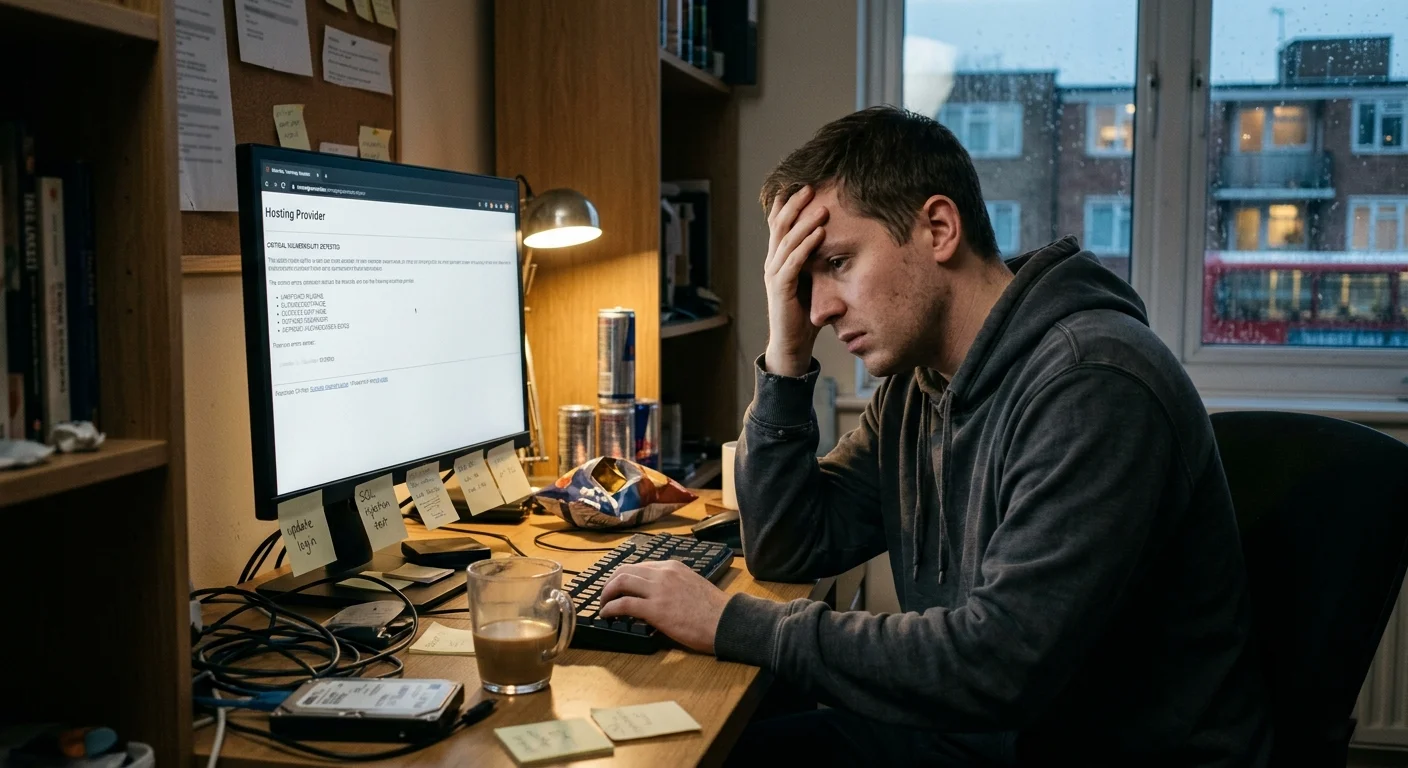
The Most Common Mistakes That Leave Your Website Wide Open
Having a secure website is more essential than ever. As businesses and individuals increasingly rely on their online presence, vulnerabilities in website security can lead to devastating consequences, including data breaches, loss of customer trust, and significant financial setbacks. Unfortunately, many website owners unknowingly make critical mistakes that leave their sites wide open to cyber threats. This article will explore the most common pitfalls that compromise website security and provide actionable insights to help you fortify your online platform against potential attacks.
Understanding Website Vulnerabilities
When it comes to websites, vulnerabilities are like that pesky hole in your umbrella you know it’s there, yet you’re still getting drenched. Understanding these weaknesses is the first step in shielding your site from unwanted cyber drizzle.
Common Types of Cyber Threats
The internet is a playground for cybercriminals, and they come equipped with a range of nasty tricks. From malware and phishing scams to SQL injections and DDoS attacks, these threats can wreak havoc on your website. Think of them as the proverbial bull in a china shop, but instead of breaking dishes, they can break your business.
The Impact of Vulnerabilities on Business
A single vulnerability can lead to data breaches, financial loss, and a tarnished reputation. Customers might abandon ship faster than you can say “exposed data,” and your business could suffer long-term damage. Remember, in the digital world, trust is currency, and losing it can leave you poorer than a penny pincher at a dollar store.
Neglecting Regular Software Updates
Ignoring software updates is like leaving your front door wide open while you go on vacation inviting trouble without even trying.
The Importance of Keeping Software Current
Software updates are essential not just for new features, but they often come packed with security patches that close vulnerabilities before hackers can exploit them. It’s like putting on a fresh coat of paint—sure, it looks good, but it also protects your house from the elements.
How to Schedule Regular Updates
Set a monthly date with your software think of it as a maintenance spa day. Most platforms allow automatic updates, so turn that feature on and let technology do the heavy lifting. Just like your dentist reminds you to floss, set reminders to check for updates, and you’ll keep your website looking and performing at its best.
Weak Password Practices
Passwords are like the bouncers of your website they need to be strong and intimidating to keep the riffraff out.
The Dangers of Simple Passwords
Using “123456” or “password” as your code is like leaving your car keys in the ignition with a “take me” sign attached. Cybercriminals are savvy and can easily crack weak passwords, giving them the keys to your digital kingdom. Yikes!
Best Practices for Password Security
Create complex passwords that mix upper and lower-case letters, numbers, and symbols. Think of it as crafting your very own secret recipe. And for extra security, consider using a password manager that generates and stores unique passwords for you no more sticky notes on your monitor!
Inadequate Security Measures
Having the bare minimum security on your website is like slapping a “beware of dog” sign on a house with no fence it’s not very reassuring.
Essential Security Tools for Websites
Firewalls, SSL certificates, and anti-malware software are your website’s best friends. They act as security guards, patrolling your site and keeping an eye out for anything suspicious. Investing in these tools is like building a fortress instead of throwing caution to the wind.
Common Misconceptions About Website Security
Many believe that their website is too small to be targeted or that security is only for e-commerce sites. Spoiler alert: every website is a potential target, regardless of size. Think of it this way just because your house doesn’t have a fancy car parked outside doesn’t mean burglars won’t knock at your door. Be smart, and secure your site!Poor User Input Validation
Understanding Input Validation
Input validation is like a bouncer at a club, ensuring only the right people (or data) get through the door. It’s the process of checking and sanitizing user inputs to make sure they fit expected formats and don’t contain any unwanted surprises, like SQL injections or cross-site scripting (XSS) attacks. By validating inputs, you can prevent criminals from slipping harmful code into your site.
Consequences of Insufficient Validation
When your input validation is as lenient as a parent on Halloween candy, chaos ensues. Hackers can exploit these weaknesses to execute malicious scripts, steal personal data, or even take control of your whole website! The fallout could lead to damaged reputations, costly recoveries, and endless sleepless nights. In short, your site could be more vulnerable than a catwalk model in a windstorm.
Failing to Implement HTTPS
The Benefits of HTTPS for Websites
HTTPS is like an armored car for your website—it encrypts data exchanged between users and your server, safeguarding sensitive information from prying eyes. With HTTPS, not only do you protect user privacy (hello, secure transactions!), but you also earn brownie points with search engines. Google gives a little nod to secure sites with better rankings, so it’s a win-win situation—more safety, more visibility!
Steps to Enable HTTPS
Ready to suit up your website with HTTPS? First, obtain an SSL certificate—probably from your hosting provider, like an online superhero cape. Next, configure your website to use HTTPS instead of HTTP, which usually involves a bit of tweaking in your server settings. Don’t forget to set up 301 redirects to ensure visitors don’t end up in the wrong dimension (aka the HTTP universe). Finally, test your site to ensure everything is running as smoothly as a well-oiled machine.
Lack of Backup Procedures
The Importance of Regular Backups
Think of backups as the safety net of the digital circus. They protect you from losing all your hard work due to hacking, human error, or natural disasters (like the time your neighbor’s cat took out your Wi-Fi). Regular backups ensure you can restore your site in its former glory, no matter what calamity strikes. Because let’s face it, nobody wants to redo their masterpiece from scratch!
Best Backup Strategies for Websites
To keep your safety net fuzzy and strong, adopt a mix of strategies. Try the “3-2-1” rule: maintain three total copies of your data, store them on two different media, and keep one offsite. Automate your backup process to save time and prevent human forgetfulness (we all have those days). Finally, regularly test your backups to ensure they’re good to go, just like you’d test your smoke alarms—better safe than sorry!
Ignoring Analytics and Monitoring
Why Monitoring is Crucial for Security
Ignoring analytics is like driving blindfolded—you might get somewhere, but you could cause quite a mess along the way. Monitoring your website’s performance and security allows you to catch suspicious activities before they escalate into full-blown disasters. With the right tools, you can track everything from user behavior to potential threats, ensuring your site remains a safe haven for visitors.
Key Metrics to Track for Website Health
When diving into analytics, keep an eye on key metrics such as traffic patterns, bounce rates, and error logs. Don’t overlook security-related data like login attempts and referral sources. Setting up alerts for unusual spikes in traffic or activities can help you react quickly to possible threats, allowing you to be the superhero your website needs. After all, a happy website leads to happy users!In conclusion, safeguarding your website requires vigilance and proactive measures. By addressing the common mistakes outlined in this article, you can significantly enhance your site’s security and protect it from potential threats. Regular updates, strong password practices, and robust security measures are just a few steps that can make a world of difference. Take the time to implement these strategies, and you’ll not only secure your website but also build greater trust with your users.
Frequently Asked Questions
What are the most common security threats to websites?
Many websites face threats such as malware infections, data breaches, DDoS attacks, and phishing attempts. Understanding these threats is crucial for effective security measures.
How often should I update my website’s software?
It is recommended to update your website’s software at least once a month, or immediately when critical security updates are released, to minimize vulnerabilities.
What are some effective ways to create strong passwords?
To create strong passwords, use a combination of upper and lower case letters, numbers, and special characters. Aim for at least 12 characters and consider using a password manager to generate and store complex passwords.
Why is HTTPS important for my website?
HTTPS encrypts data transmitted between the user and the website, protecting sensitive information from interception. It also boosts your site’s credibility and can improve search engine rankings.